Cast the web to your TV. Control any TV.
Couchkite (formerly Clicker) is a web video caster, a universal TV remote and screen mirroring in one app. Play a video on any website and send it to the big screen in seconds.


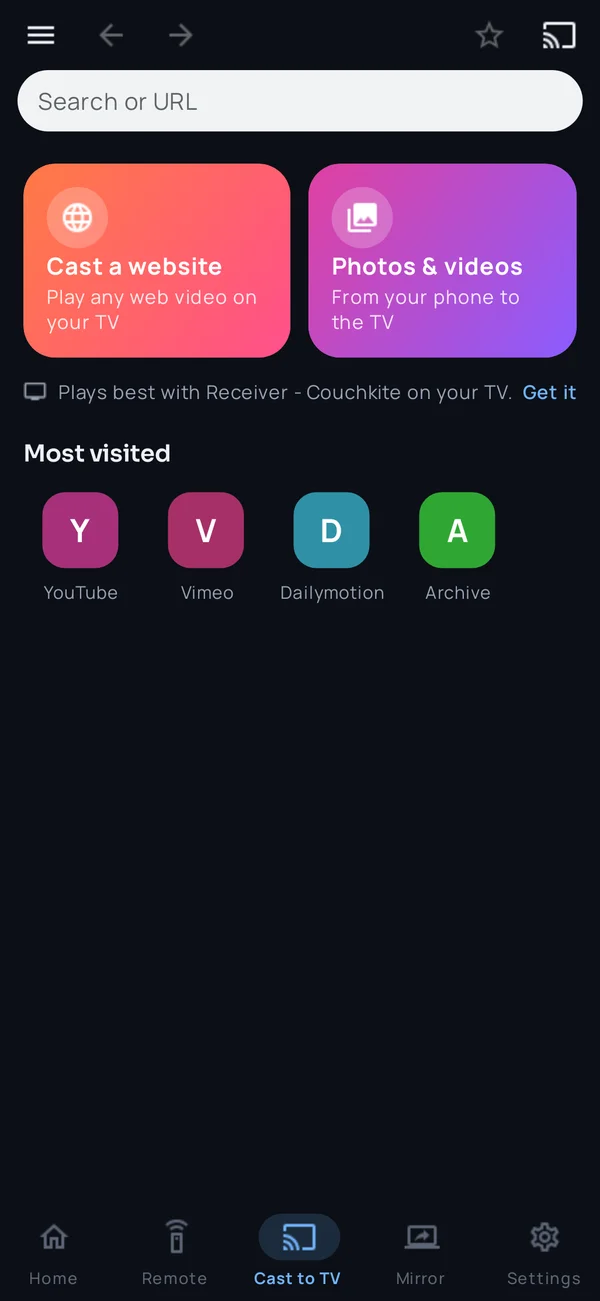
Everything your TV needs, in your pocket.
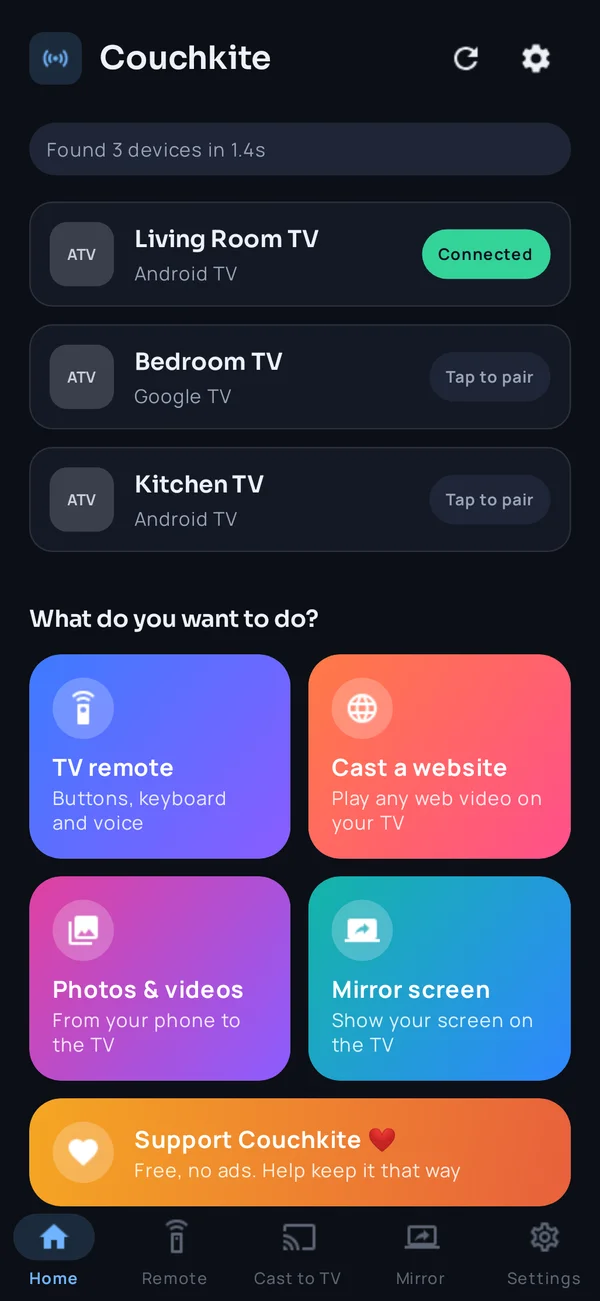
No account, no setup. Your phone finds the TV on Wi-Fi and you're ready.
Cast web to TV
Open any website in the built-in browser, play the video and tap Cast. Couchkite picks the best quality for your Wi-Fi, or you choose 1080p, 720p or 480p.
Universal TV remote
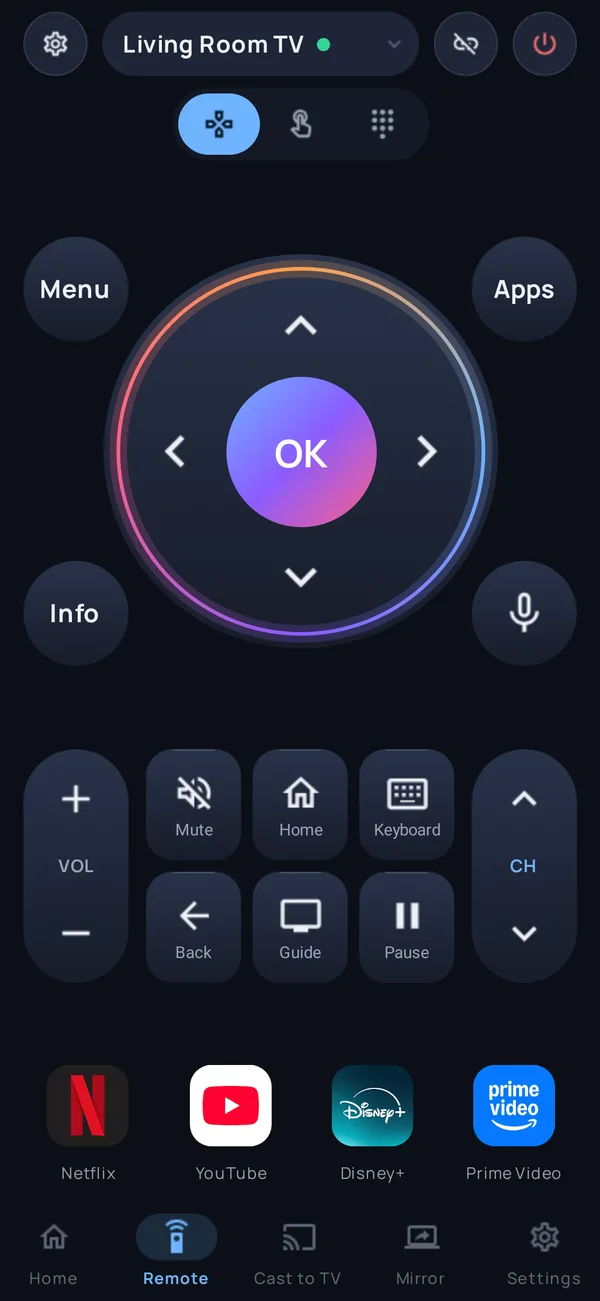
Lost the remote? Big D-pad, volume, number pad, touchpad, voice and your phone's keyboard for typing on the TV. IR for older TVs too.
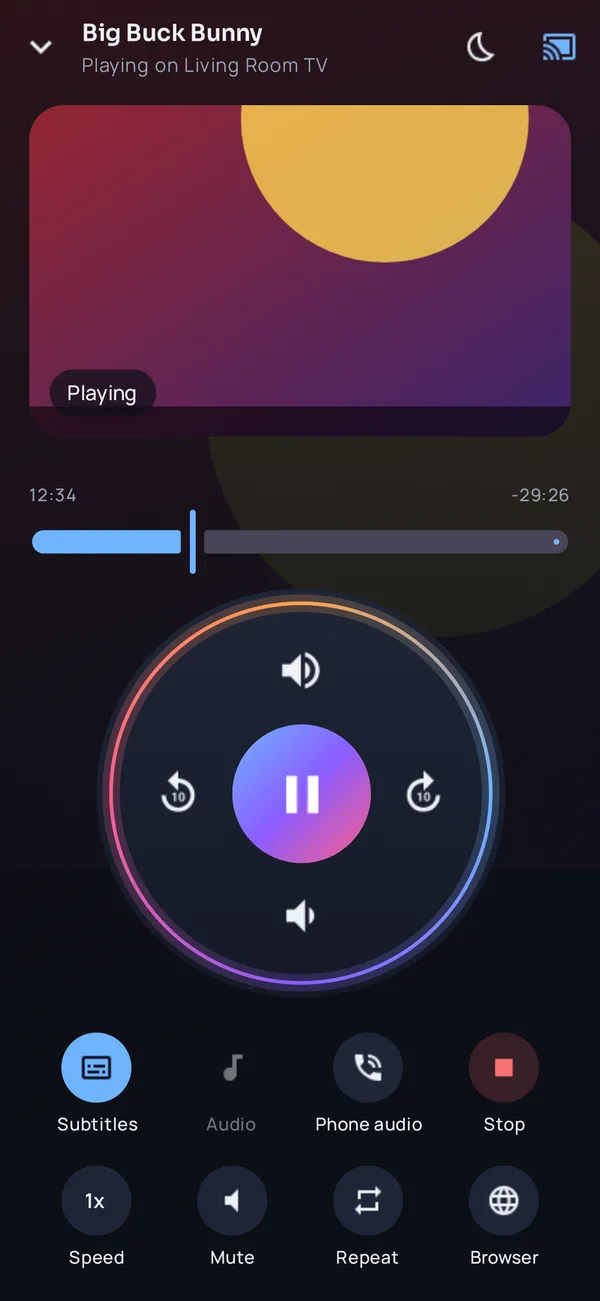
Phone audio
Picture on the TV, sound in your headphones. Perfect when the house is asleep.
Screen mirroring and your own media
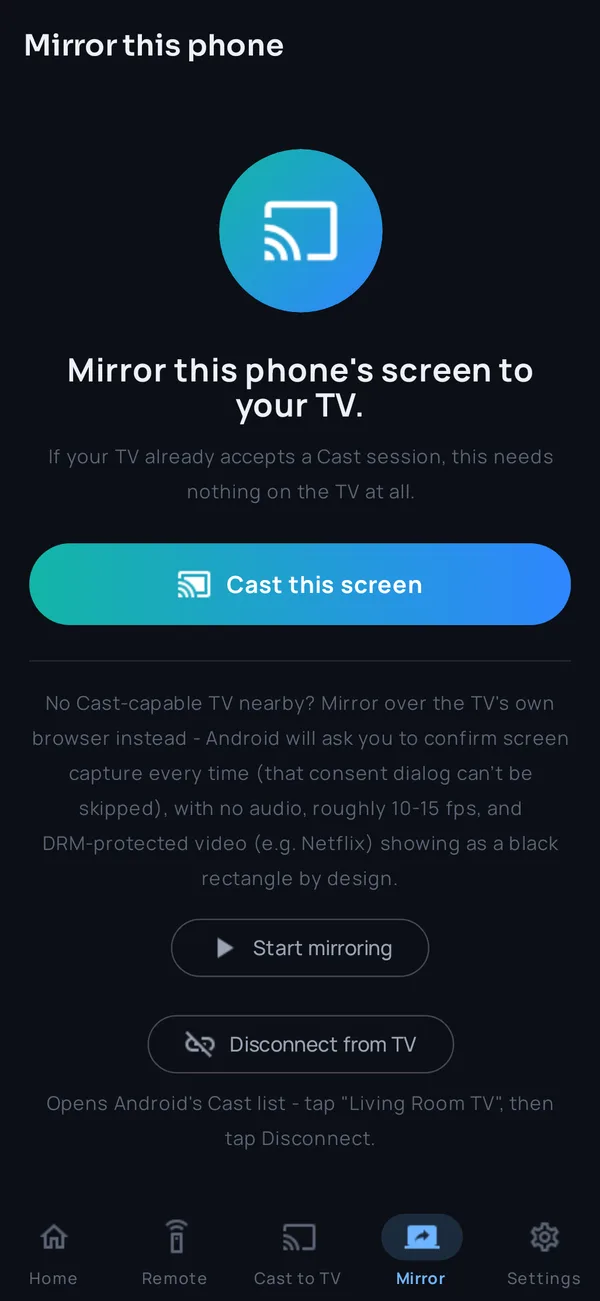
Mirror your phone screen, or cast your photos, videos and music straight to the TV. Tap Browser to find the next video while the TV keeps playing.
Better viewing with Couchkite on your TV.
Install the free TV app once. After that, Couchkite opens it for you every time you cast.
- Plays more video formats. Streams that stall or won't load on a standard cast often play smoothly here.
- Picture size, speed, subtitles and audio tracks, all from your phone.
- Nothing to set up. No account, no tracking.
 Receiver - Couchkite
Web video to TV in three taps.
- 01
Open Couchkite on the same Wi-Fi
Couchkite finds your TV by itself. No account, no setup.
- 02
Go to Cast to TV and play a video
Open any website in the built-in browser and press play.
- 03
Tap Cast and pick your TV
The video plays on the big screen and your phone becomes the remote. On Android TV, Receiver - Couchkite opens by itself.
Step-by-step guides: cast a website video to your TV · control a Samsung TV without the remote · use your phone as the remote for LG, Roku, Fire TV, Android TV and Vizio · mirror your screen · phone can't find the TV
How do I cast a web video to my TV?
Open Couchkite, go to Cast to TV, open the website in the built-in browser, play the video and tap Cast. Your phone and TV must be on the same Wi-Fi.
Which TVs does Couchkite work with?
Android TV and Google TV, Samsung, LG (webOS), Roku, Fire TV, Vizio, Chromecast, DLNA and DIAL TVs, and many older smart TVs. TVs without Wi-Fi work with the infrared remote on phones that have an IR blaster.
Is Couchkite free? Does it have ads?
Couchkite is free with no ads and no account. You can leave an optional tip to support it.
Why install Receiver - Couchkite on my TV?
On Android TV and Google TV, Receiver - Couchkite plays more video formats than a standard cast, so streams that stall or won't load often play smoothly. It also gives you picture size, playback speed, subtitles and audio tracks from your phone, and Couchkite opens it for you when you cast.
Can I use my phone as a TV remote without the original remote?
Yes. Couchkite finds your TV on Wi-Fi and gives you a D-pad, volume, number pad, touchpad and keyboard, so you can control the TV without its remote.
Your TV, finally easy.
Cast the web, control any TV and mirror your screen. No ads, ever.
Get Couchkite on Google PlayLike Couchkite? It's free with no ads. You can leave a small tip in the app under Settings → Support Couchkite, and big supporters can add their name to the Supporters wall.
♥ Support CouchkiteCouchkite isn't made by or affiliated with any TV maker. Brand names only say which TVs it works with.